|
| |
|

|
FlameFlash
|
 |
Minnesota, USA
Dec 2001
time: 23:29
|
|
quote:
Originally posted by CivPatriot
flameflash, i've been wondering the same thing my self about these huge docks that people seem to have. i just put the apps i use all the time on my dock, have my app folder on it and just right click on the app folder and find what i need(either that or the short cut) so i see little need for these huge docks(but i understand that somepeople use more programs than i do, one reason why expose is not as big of a thing to me as it is to some people), but huge docks baffle me anyway. |
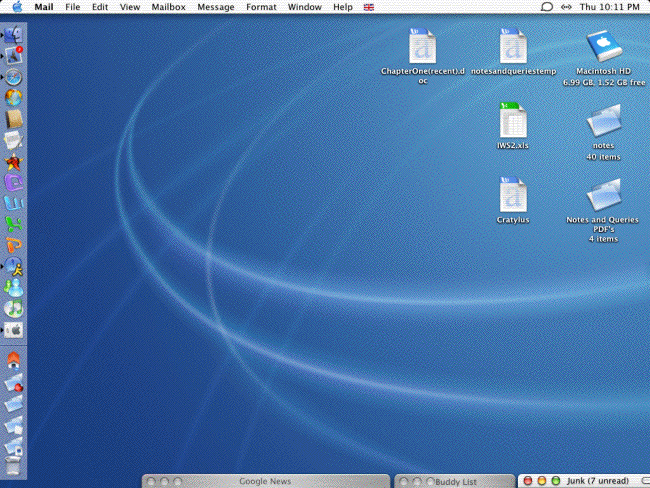
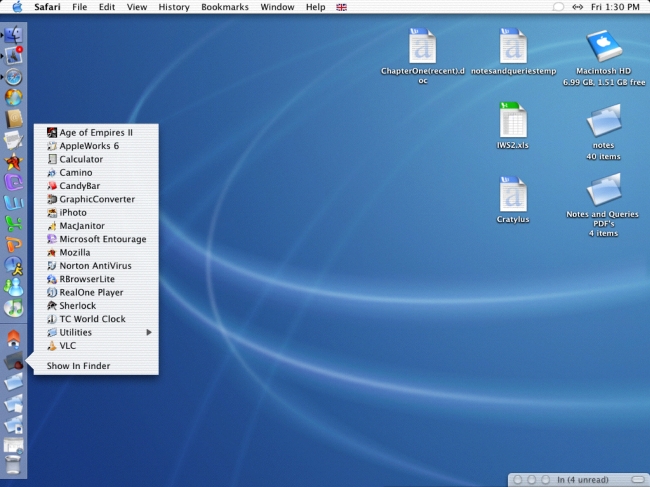
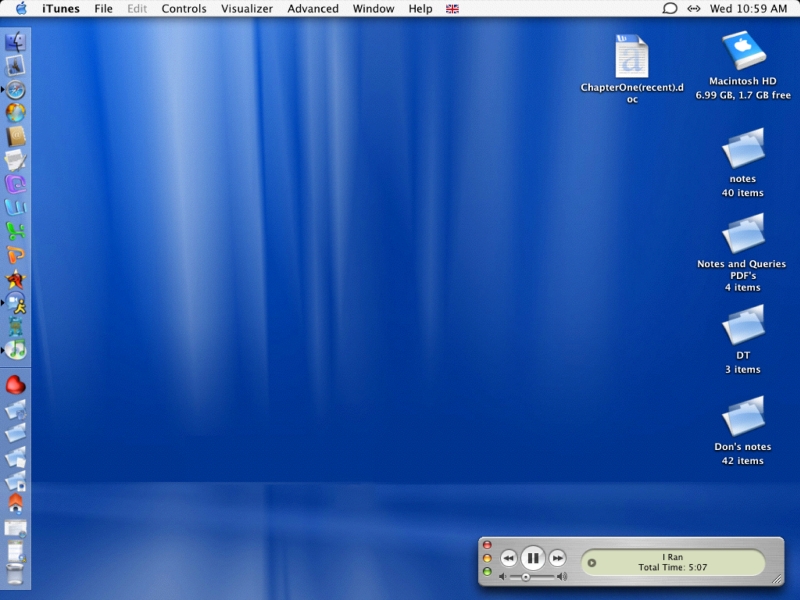
I've attached a screenshot of my current dock... As you can see, I have my active apps running on the left (can that even be changed?), and folders running on the right. I was a big Apple Menu Item nut back in Classic and do the same basic thing here.
Rather than just use favorites, the first folder is Office X, next has all of my Internet apps, next have utilities or just useful apps I find I use often (Photoshop, iTunes, iPhoto, and the like), and then last is my games folder, because of course I want quick access to all of them. 
quote:
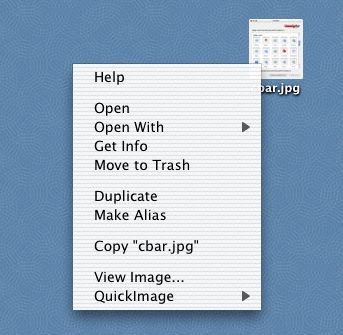
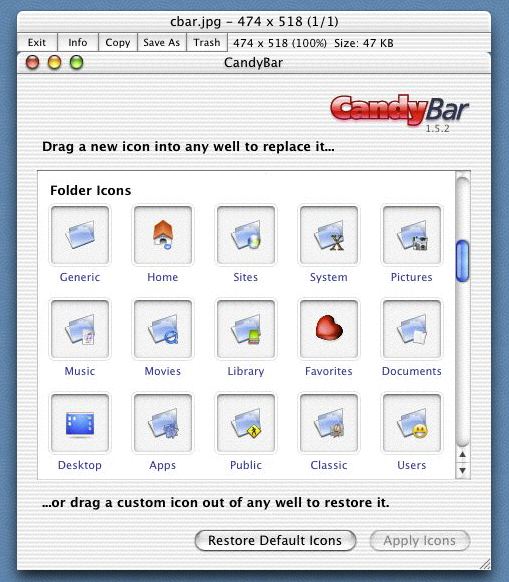
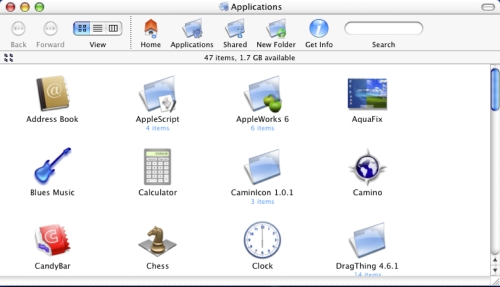
Does anyone here use Candybar?
I can't live without it. |
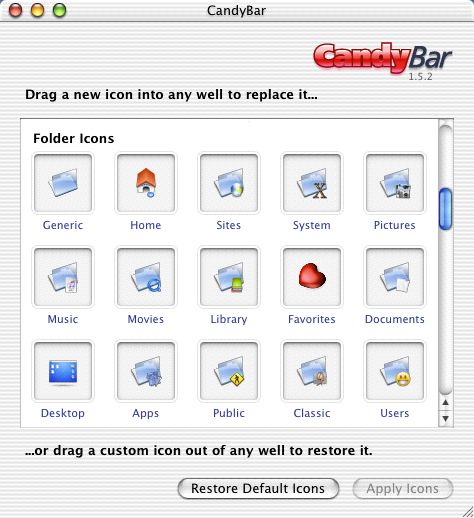
What is CandyBar? 
quote:
I thankfully have a short list of applications(20-30 plus subdirectories), so for me its never been a problem to have my apps folder on the dock, but i think i may give the favorites folder suggestion to my father. I love the flexibility of the dock, hands down my favorite feature of OSX(next to stability). |
Ugh, between Classic and my X-Native apps I have way too many, instead I'll just drop something into my "usefuls" folder if I find I use it more often. For some reason, I'm just favorites-phobic.
quote:
BTW candybar is a great app, i've used the shareware version of it before and its great way to change your icons easiley(since osx is some what of a chore to do sometimes). |
eh? So it's an icon editor?
quote:
I really like the control features of the Dock. I almost never have my Mail Window open on the Desktop and I always use the "Compose Message" option from the Dock icon to send mail.
I wish more apps were Dock aware. |
* FlameFlash shudders at Mail.
I do have to agree though, more apps being Dock aware would be great. Right now I've only seen the true Apple apps doing anything really well with the Dock. 
quote:
I love the icontainers feature. I have a couple of different ones and it makes it easy to swap them all at once. |
So it's not just an icon editor? 
 Attachment: picture 1.pdf Attachment: picture 1.pdf
This has been downloaded 4 time(s).
|
|
| |
|
|
|
Agathon
|
 |
Leafs 4TW!! - CPA
Dec 2002
time: 00:29
|
|
quote:
Originally posted by FlameFlash
Rather than just use favorites, the first folder is Office X, next has all of my Internet apps, next have utilities or just useful apps I find I use often (Photoshop, iTunes, iPhoto, and the like), and then last is my games folder, because of course I want quick access to all of them. |
It depends how many apps you use. I keep all my frequents like Mail in the left hand side of the Dock.
quote:
Ugh, between Classic and my X-Native apps I have way too many, instead I'll just drop something into my "usefuls" folder if I find I use it more often. For some reason, I'm just favorites-phobic. |
What's wrong with the favourites folder? All you do is control-T and it's done.
quote:
eh? So it's an icon editor? |
No, explained above.
quote:
* FlameFlash shudders at Mail. |
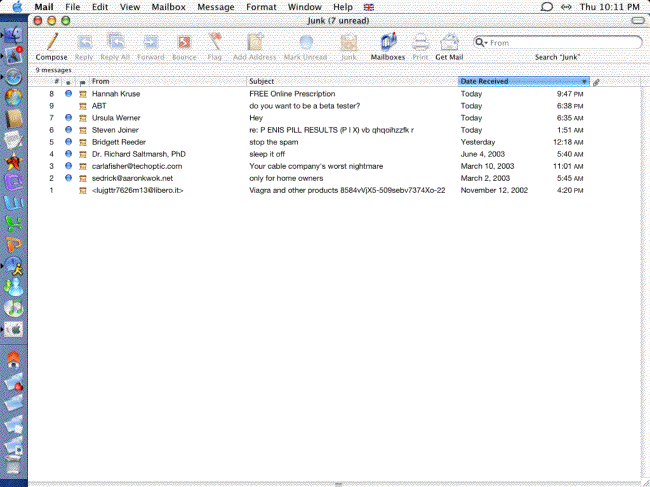
What's wrong with Mail? It's certainly better than Entourage at picking up junk and that's what matters most to me.
quote:
I do have to agree though, more apps being Dock aware would be great. Right now I've only seen the true Apple apps doing anything really well with the Dock. |
You'd think they'd wake up
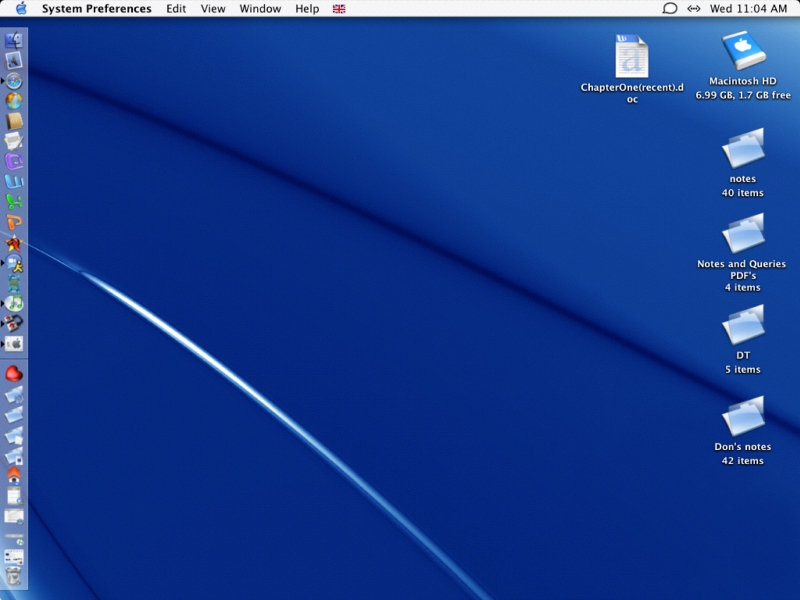
Here's my dock
 Attachment: dock.jpg Attachment: dock.jpg
This has been downloaded 45 time(s).
|
|
| |
All times are GMT. The time now is 05:29.
Apolyton Time is 00:29. |
top of page
|
|
|
Forum Rules:
You may not post new threads
You may not post replies
You may not post attachments
You may not edit your posts
|
HTML code is ON
vB code is ON
Smilies are ON
[IMG] code is ON
|
|
|
|
|
|





 27-06-2003 07:20


 Attachment:





 |
|