|
| |
|
| |
|
| |
|

|
Asher
|
 |
Calgary, Alberta
Nov 1999
time: 22:34
|
|
quote:
Originally posted by Solver
Apoc, easter egg? You mean that scary scene?
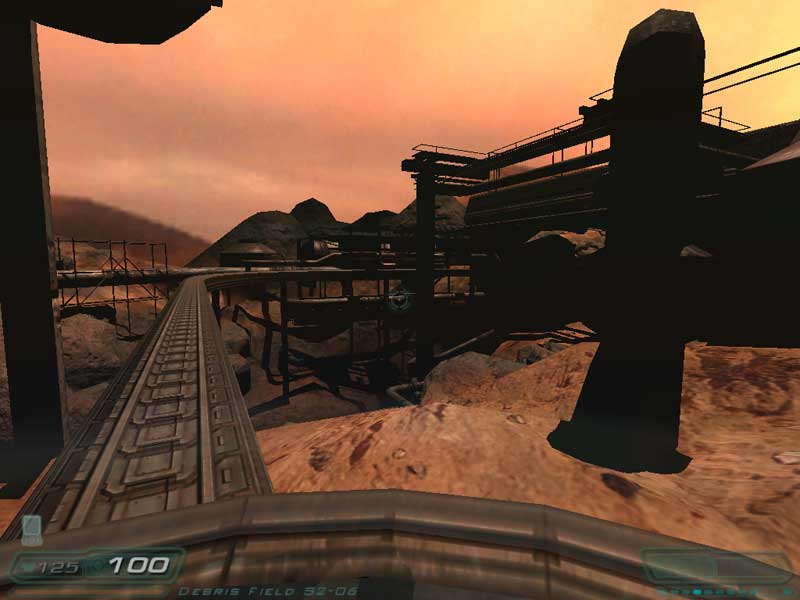
Monorail part was great  . .
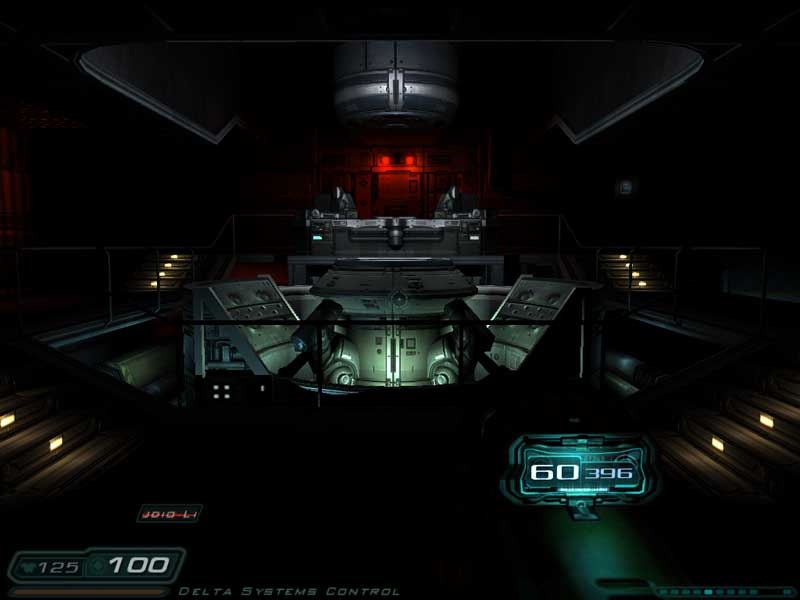
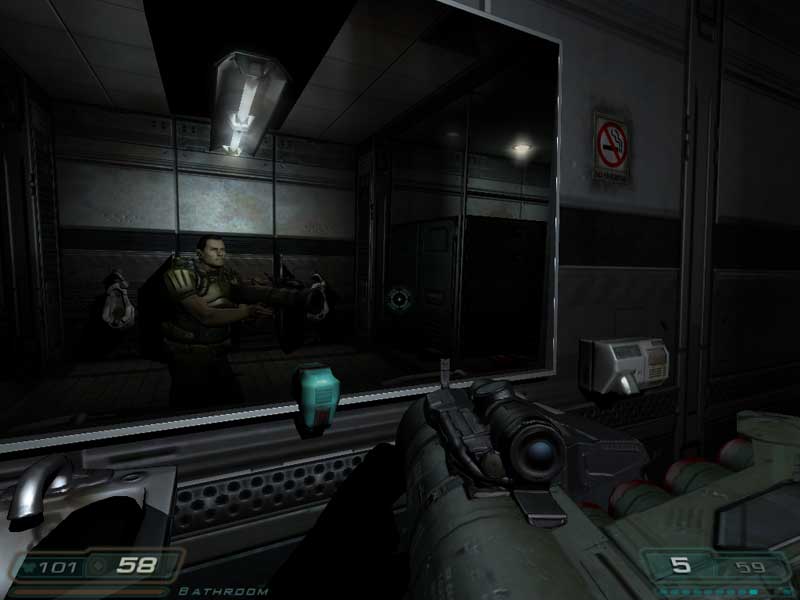
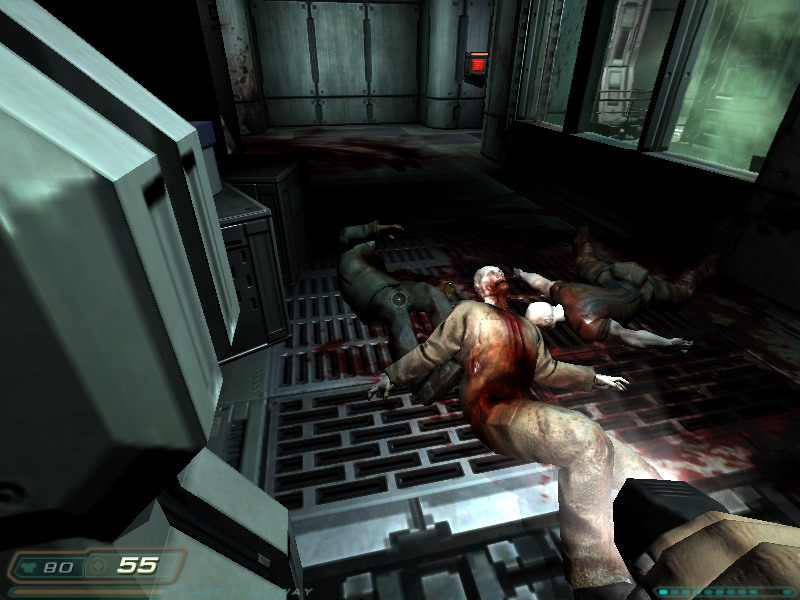
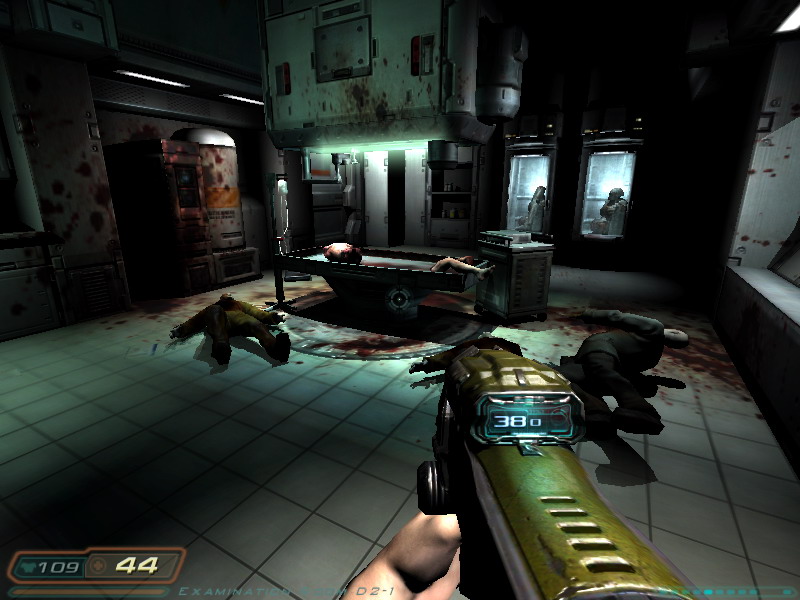
Asher, can you tell what differences you notice between, say, High and medium? |
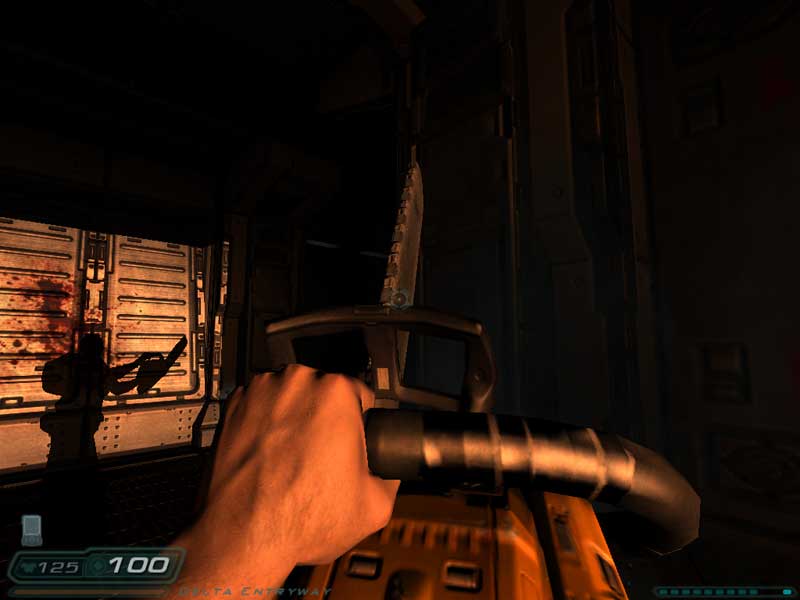
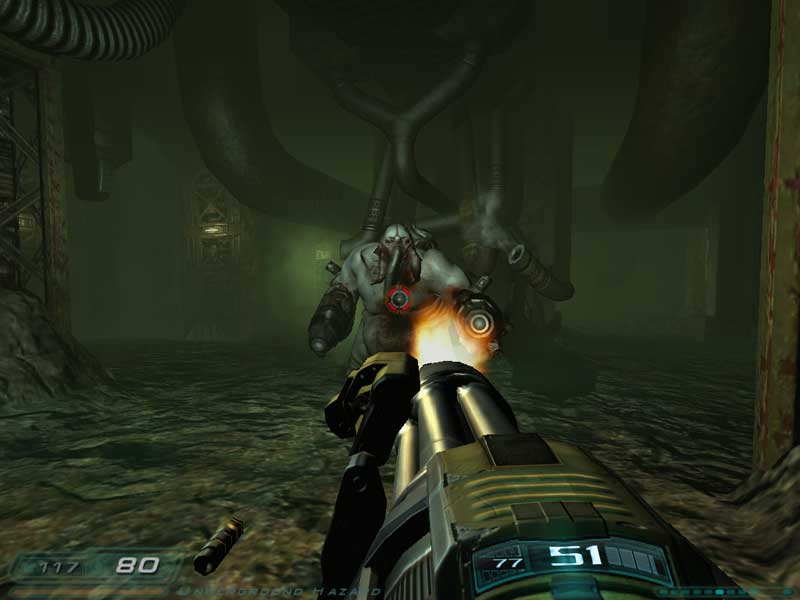
I've only played on high, but yes there is a huge difference by default.
The main difference is High automatically enables anisotropic filtering.
From HardOCP:
quote:
Low Quality mode is basically for 64MB video cards in the value video card segment or older hardware. For people that run this level of video card (assuming it meets the minimum system requirements), you can be assured of a solid gaming experience. In Low Quality mode everything is compressed, including specular, diffuse, and normal maps. Any textures that are larger than 512x512 get downsized. Specular maps are also downsized to 64x64. The Low Quality setting also reduces sound diversity to the level of one sound per sound effect.
Medium Quality is built for those that own mainstream 128MB video cards. Medium Quality still compresses specular, diffuse, and normal maps, but it does not downsample any textures or specular maps. This means you will get the full texture sizes available in DOOM 3, though compressed. Sound diversity is also increased in Medium Quality giving you more sounds per sound effect.
High Quality is for those that have performance video cards with 256MB of local video card memory. High Quality does not compress normal maps at all, so there are no compression artifacts with any of the normal mapped textures. It does, however, compress specular and diffuse lighting. At High Quality, anisotropic filtering is automatically enabled at 8X. So along with the uncompressed normal map textures, you also are adding 8X anisotropic filtering to the performance and image quality equation. Depending on your system, we have found 128MB video cards that can handle High Quality mode very easily.
Ultra Quality is the cream of the crop for DOOM 3. In Ultra Quality nothing is compressed. Normal maps, and specular and diffuse lighting are all displayed at full resolution with no compression. Because of this, there is a tremendous amount of texture data needed on the video card, upwards of 500MB. While it will run on lesser cards, you may experience hitching or pausing due to the graphics card having to swap textures in and out of its memory buffer. That is why this setting is recommended for 512MB video cards. There is nothing stopping you from trying this quality setting if you want to, just keep in mind that the memory load is huge. |

What's interesting is there's virtually no difference between High and Ultra.

And for fun, differences in resolution:

And anti-aliasing:

Last edited by Asher on 08-08-2004 at 23:41
|
|
| |
|
|
|
Solver

|
|
Apolyton Duke Of Something
|
 |
Latvia, Riga
Sep 2000
time: 07:34
|
|
What's funny is that I really suck at noticing such differences, then again, there is quite a number of things I don't really see.
They say Medium is for 128 MB cards? Heh... I own a 256 MB card, on my system it's the CPU that is the bottleneck. So I played on Medium (on the good side, never went choppy, not at all). Then I figured that enabling cache and doing some other stuff would speed it up, and yes, I can now play at High, and it only slows down for the really big fights.
Anisotropic filtering, yes, it now has 8x for me... but what does it really do? Supposedly, it just makes distant objects blur less because the filtering pattern is not a square as with bi/trilinear?
I was pondering future graphics, and I believe that Doom3 pretty much lacks just two things from completely photorealistic graphics. First thing is that models that are supposed to be round aren't entirely so, and you can spot corners. Though it's not much of a problem in Doom3 anymore, as you can only spot them at very close up. Second, it's low resolution for textures of, say, walls and many other objects. But that's only so to conserve video memory, right? I mean, if I had a 1024 MB video card, I would be able to have all the high-res textures loaded?
|
|
| |
|
|
|
Asher
|
|
Calgary, Alberta
Nov 1999
time: 22:34
|
|
Anisotropic filtering makes textures not blur as they get farther away. Look at the floor in the first screenshot in my last post. Anisotropic takes 8 samples to calculate with, bilinear takes 2 and trilinear takes 3.  It's just much better. It's just much better.
DOOM3's models have low polygon-counts by today's standards, but lots and lots of textures to add things like bumps to their skins. It's too taxing even on the fastest hardware to have high polygon counts AND tons of textures, and RAM is the issue for the lack of high-res textures.
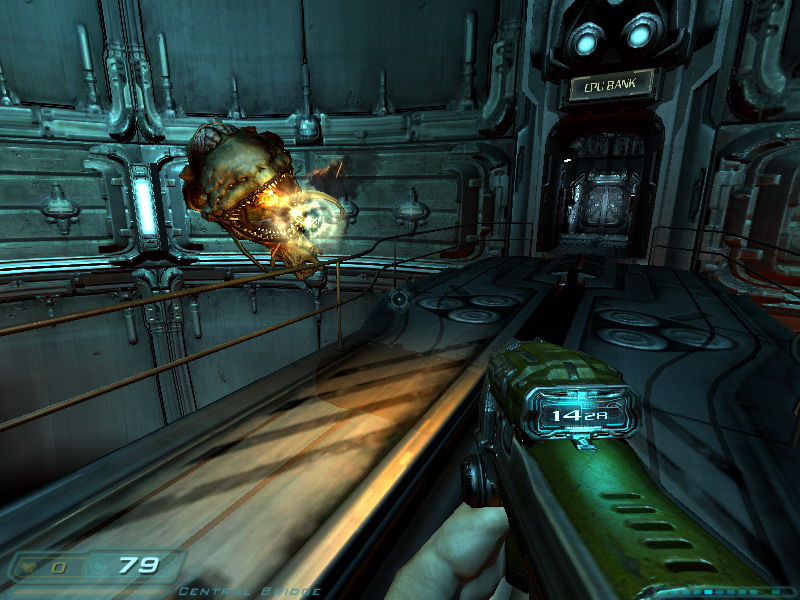
Today's fastest cards still aren't fast enough. When shooting the plasma gun, for example, ideally every single bolt-thing/charge should be its own light, and light up everything dynamically. This is disabled by default (you can edit the gun definition and un-comment some lines to get it on), because it tanks the framerate when on.
It's amazing how many calculations it takes to have dynamic lights. For every additional light in a scene, every single pixel needs to be recalculated. At 1024x768, that's 786,432 pixels, each other a ~30 line shader program to run on, or 23,592,960 instructions... 
|
|
| |
|
|
|
Solver
|
|
Apolyton Duke Of Something
|
|
Latvia, Riga
Sep 2000
time: 07:34
|
|
quote:
Today's fastest cards still aren't fast enough. When shooting the plasma gun, for example, ideally every single bolt-thing/charge should be its own light, and light up everything dynamically. This is disabled by default (you can edit the gun definition and un-comment some lines to get it on), because it tanks the framerate when on. |
You talking about this?
code:
// "mtr_light_shader" ""
// "light_color" "0 0 0.8"
// "light_radius" "160"
// "light_offset" "-8 0 0"
// "mtr_explode_light_shader" "muzzleflash"
// "explode_light_color" "0 0 1"
// "explode_light_radius" "160"
// "explode_light_fadetime" "0.25"
quote:
It's amazing how many calculations it takes to have dynamic lights. For every additional light in a scene, every single pixel needs to be recalculated. At 1024x768, that's 786,432 pixels, each other a ~30 line shader program to run on, or 23,592,960 instructions... |
Why would that be? If a light of, say, fireball, illuminates area in radius of 50 pixels, would it not need to recalculate ~7800 pixels only?
|
|
| |
All times are GMT. The time now is 05:34.
Apolyton Time is 00:34. |
top of page
|
|
|
Forum Rules:
You may not post new threads
You may not post replies
You may not post attachments
You may not edit your posts
|
HTML code is ON
vB code is ON
Smilies are ON
[IMG] code is ON
|
|
|
|
|
|






 08-08-2004 05:52




 Attachment:






 |
|