|

|
Ismailov
|
|
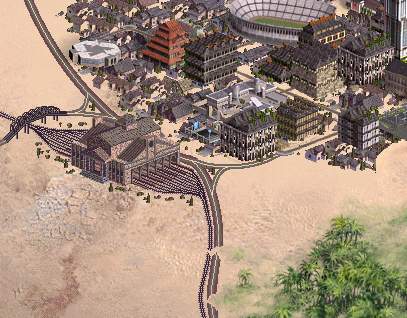
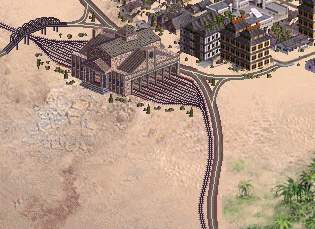
So, GIDustin, could it be done something to keep both stressed colours and good shades of colour? Perhaps you could modify your Photoshop template to transform files without the brownish effect...
If you think it cannot be done, or you have not enough time, I'll release final version as we said before: Old files for grassland, your files in any other case. According to the files we have now, I think it is the best idea.
|
|
| |
|
|
|
player1
|
 |
Belgrade, YU
Sep 2001
time: 06:22
|
|
Thanks!
Last edited by player1 on 24-12-2002 at 06:09
|
|
| |
|
|
|
Ismailov
|
|
Ok, I take note for future versions.
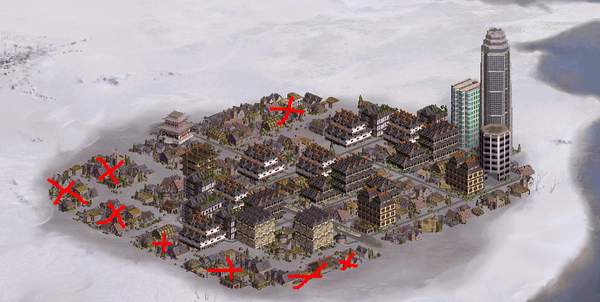
Regarding the other problem (flood-plains): Yes, I also noticed when I tested it. The problem is that this is the only place to put the highway. On the right, it would overlap with the Oracle (if your city have it). On the left, it would cross the waters (if your city is identified as "island" by Civ3 - more than x tiles are sea in the city radius).
|
|
| |
|
|
|
Ismailov
|
|
Hmmm... Ok, it's not so long. In spite that I would like to fix it, I cannot do it now (I convinced myself that I have to STOP for a period; my girlfriend and my PhD will thank it). So, if you want to do it (or anybody else), its ok...
I'll visit the thread periodically to take note of the bugs you all would like to report. Of course, I'd be pleased if anybody want to go on with the mod, fixing bugs, adding new stuff, or anything else...
And Merry Xmas!

Last edited by Ismailov on 24-12-2002 at 15:59
|
|
| |
|
|
|
Ismailov
|
|
Good!
Does it also look good when NO highway is there? (i.e. city or town) I mean, is the cut gradual enough so that no vertical cut is seen?
|
|
| |
|
|
|
GIDustin
|
|
I was supposed to get email when someone posted on this thread, but I didnt. I am not quite sure what you mean when you ask if I can combine both. I know that one version has 3 colors, the rest has alot, but as to contrast, I am not seeing it as you are. I could attempt to "increase contrast" if I knew what you were talking about  Perhaps a solid screenshot of a small portion of the city view that shows the difference. Perhaps a solid screenshot of a small portion of the city view that shows the difference.
Here is basically my point of view:
In the old (very first, before any modifications) tundra file, you have 256 colors to play with. These are all different shades of white, grey, blue for water, etc. In order to get green buildings into the pic, I had to take some of those shades of white and convert them to green. This allows for green, but less white. The only way to preserve the old colors AND add the new is to make a pic with more than 256 colors, and the Civ 3 game engine will not be able to read it unless it is 256.
With that said, you can see how there are some graphical problems that I cannot fix, but say you want more shades of white in the tundra. I can take some shades of blue (water) and move them over to white.
So, like I said, if you can give me more detail on what you would like done, I will see if I can find some time to do it. Right now I am back in South Dakota for X-Mas break, so I may not get to it until after the 7th of Jan, when I go back to Colorado.
GIDustin
|
|
| |
|
|
|
GIDustin
|
|
so the houses with the white sides (preview in grassland sometime before in this thread), is kind of what you want in all of them?
if so, I will re-dload the templates and have a go at it later on today.
GIDustin
|
|
| |
|
|
|
GIDustin
|
|
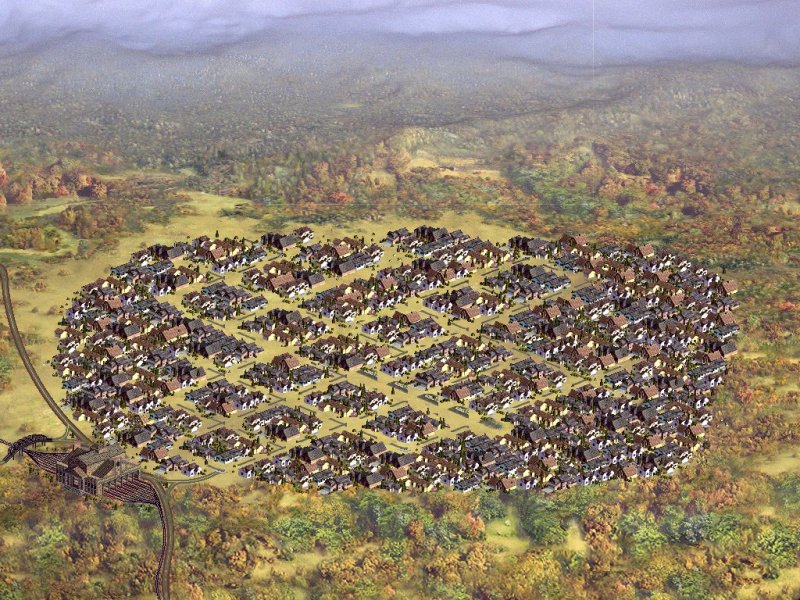
Before I go off and create 32 new files, I thought I would post the first of the set, and get criticism. I took the "Houses" layer and increased contrast by 40%. This really made it look better in my opinion. I cannot go higher as it adds an unrealistic look past 40%.
Here is the shot of grassland. Please let me know what you think ASAP so I can start the rest, or make further changes.
GIDustin
NOTE: I had to resize from 1024x768 to 800x600 (Apolyton Rules) so it does not look exactly like it should
 Attachment: g-lrg.jpg Attachment: g-lrg.jpg
This has been downloaded 62 time(s).
|
|
| |
|
|
|
GIDustin
|
|
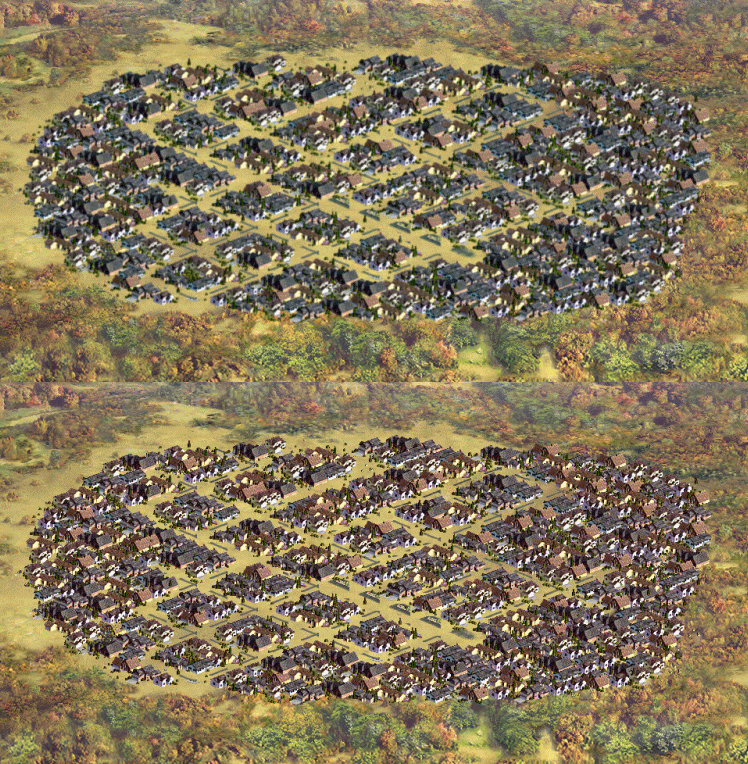
Here is one where I blurred the buildings once, to de-pixelate them, and then told the PSP7 to do Auto-Levels, Auto-Colors, and Auto-Contrast. This is the result compared to the last screenshot I posted:
GIDustin
 Attachment: difference.gif Attachment: difference.gif
This has been downloaded 69 time(s).
|
|
| |
All times are GMT. The time now is 05:22.
Apolyton Time is 00:22. |
top of page
|
|
|
Forum Rules:
You may not post new threads
You may not post replies
You may not post attachments
You may not edit your posts
|
HTML code is ON
vB code is ON
Smilies are ON
[IMG] code is ON
|
|
|
|
|
|





 21-12-2002 23:35





 Attachment:


 |
|